Share


Artificial intelligence is no longer a fad. Open AI, Anthropic, Gemini, Adobe Firefly, Microsoft CoPilot and many other AI tools are changing the landscape of utility communications. Staying ahead of the curve isn’t just an advantage. It’s a requirement. Are you ready?
When ChatGPT went mainstream, we outlined the four R’s of using AI in utility communications:
At NWPPA’s Northwest Innovations in Communications conference, I shared some of the latest developments, then showed how new tools and integrations can enhance your ability to connect with your community while making your job a bit easier.
For example, I didn’t have time to read the NWPPA Bulletin’s September 2024 cover article about how Snohomish County PUD uses generative AI. Instead, I uploaded a PDF of the magazine to Notebook LM, an experimental AI platform from Google Research. Not only did this let me ask for a synopsis of the article, I was able to generate a 10-minute conversational podcast to listen to key takeaways from the article.
Want to hear what AI thought? Listen to a clip of the audio I shared in my session or listen to the full 10-minute synopsis.
Get up to speed with the top three brands featuring AI integrations, read about video generation trends, then use our list of policy pointers to help your staff harness AI’s potential without losing community trust.
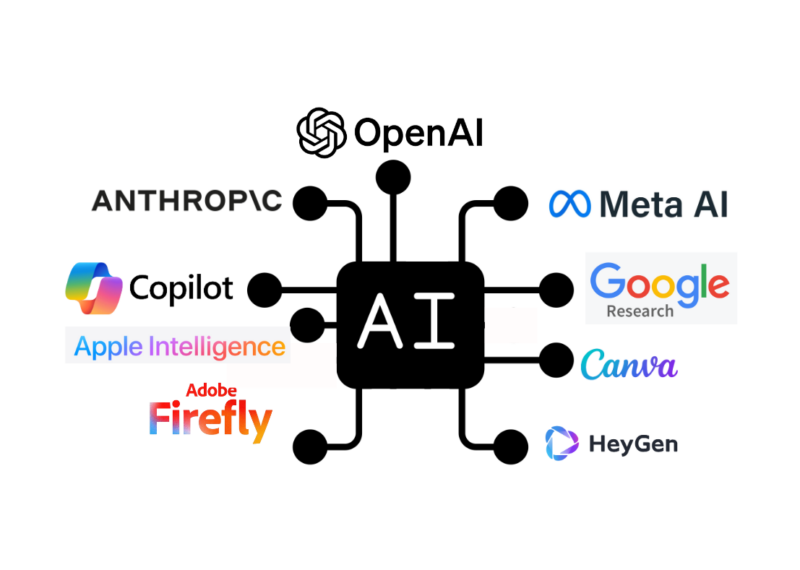
Unlike the last few years when people have logged on to ChatGPT, Claude or Gemini, the future of AI is not chat, but integration. For example, Apple Intelligence, an optional update coming to iPhones this fall, weaves artificial intelligence tools, powered by Chat GPT, into email, notes and other phone features.
By seamlessly powering the software we use every day, people can harness AI capabilities without switching applications or even realizing they are using AI.
Here are the top integration tools in use this fall:
AI-powered content generation and manipulation are woven into Adobe creative software apps (Photoshop, Illustrator, InDesign) and powered by Firefly, Adobe’s custom AI web app. The tools allow users to add, expand or remove elements from images using natural language prompts. Features:
AI assistance blends into Microsoft 365 applications with the potential to transform how we create and refine content in Word, PowerPoint, Excel and other applications. Features:
Canva, a cloud-based design studio, introduced Magic Studio a year ago. With Canva’s already extensive media library, the AI integrations make it easy for users to resize and reformat designs, create images and video from text and more. Features:
Video content has become increasingly important in digital communication strategies, and AI makes video production more accessible and efficient than ever before.
As the quality of video generation improves, Utility Pioneers can more easily create videos educating members on energy efficiency, safety topics or to explain complex infrastructure projects.
The ability to create custom avatars––video versions of known community members which you can give scripts to read––is another way to personalize and streamline video content.
HeyGen allows users to create a free digital avatar to deliver messages in multiple languages. I tried it out, giving the website only 30 seconds of video to work with instead of the two minutes requested. Even with less source material to work with, my resulting avatar speaks Spanish, French and Chinese and looks––if a bit strange at times––like me.
While my avatar was used to show how the tech works, Utility Pioneers could use this technology to:
AI video-enhancing tools offer exciting possibilities, but it’s crucial to use them thoughtfully. The goal should be to enhance communication efforts, not replace human interactions. Authenticity remains key in building trust with our communities.
New tools are exciting. But before you start using AI, make sure you have a policy or staff guidelines in place to make sure your team keeps delivering quality, trusted content.
Staff guidance should include:
AI is powerful, but it doesn’t replace human judgment and expertise. As we continue to explore and adopt AI tools, Utility Pioneers need to stay focused on our core mission: to provide clear, reliable and meaningful connections to the communities we serve. AI can help us achieve this goal more effectively, but it’s our human touch that will continue to make the difference.
Want to learn more? Get links to helpful tools, see sample policies and find past coverage at pioneer.coop/aitools.
To draft this post, I put the presentations I shared at the Northwest Innovations in Communications conference and a blog post I wrote last year into Claude.ai Projects, where you can upload information and only pull content from those resources. Then I asked Claude.ai to write a blog post summary of what was shared at the event, referring to the original blog post and highlighting new developments. It left a lot to be desired, so I heavily edited it and added hyperlinks (AI is notorious about not getting links right). Then our team of human editors then reviewed and edited the suggested post. We put in a lot of human effort, but AI saved about two hours of time and offered an outline based on existing content.
Thinking about how AI can help you tell stories more efficiently? Learn what your peers think.
Related Content:

ChatGPT, Jasper and other writing bots are making headlines. How will artificial storytellers impact the perceived value of utility communicators?…


What You’ll Learn Whether you’re writing a story or creating an image, prompts are key tools to help you effectively…

Search engines, phone service and pizza (Pepperoni Hug Spot, to be precise) share one thing in common: an advertisement created…
ChatGPT, Bard and other artificial intelligence bots continue to make headlines. Hear what Utility Pioneers think of the new tools…